

The essentials of this interface


The day
Arrival and pick-up times, meals, naps, changes, activities, and a word from the team.
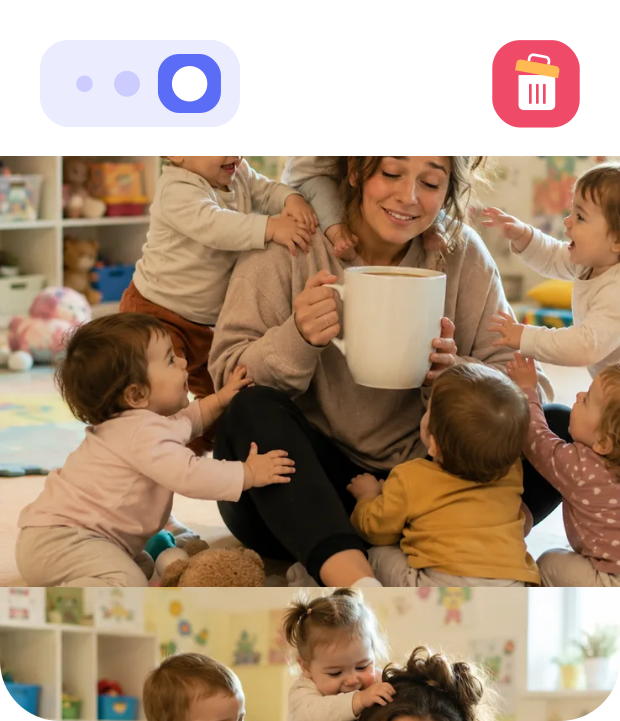
The photos
Moments captured by the team, visible to you only, ready to download and keep.


Your requests
Absence, occasional care, a change of hours: you ask, and you follow the answer.
Contract and attendance
Your days and hours of care, and the summary by week or by month.


Invoices and documents
Invoices and certificates at any time, documents still needed, and the health record.
Messages
The team's messages, the closing days, and a way to reply to them.
Got a question on your mind?
Write to us. A real person answers, and we are happy to.
Frequently asked questions
How do parents get access to the nursery app?
Access is not created from the app: the setting opens it. Once the nursery has recorded your email address on your child's profile, you receive an invitation that lets you set your password. You then install the app on iPhone or Android, or sign in from a browser if you prefer. If the email does not arrive, check your spam folder first, then ask the nursery to confirm the address on file. Our step-by-step login guide covers every step.
Is the app paid for by parents?
No. The parent app is included in the setting's subscription: no account to pay for, no add-on to buy, no advertising. The nursery chooses Kidola and opens access for families. If you are curious about what the setting itself gains from it, the nursery management page explains it.
Can both parents have their own access?
Yes. Several guardians can be registered on the same child's profile, each with their own email address, their own password and their own app. Both parents see the same day, receive the same messages from the team and the same notifications, with nothing to forward to each other in the evening. It helps in shared custody, and it stops one parent carrying the whole relationship with the nursery. A second guardian is added by the setting on request.
Who can see photos of my child?
Only the people the setting has given access for that child, meaning their guardians. Photos stay inside the app: they are not published on a website, not shared on social media, and not visible to other families at the nursery. When a group photo is shared, the team has a blurring tool to hide the faces of children whose parents have not given consent. Our full commitments are set out on the security and GDPR page.
What if I would rather my child was not photographed?
Image rights for your child belong to you, and your consent can be withdrawn at any time. You give or withdraw it with your nursery, since it decides what it shares, with whom, and in what context. Saying no does not stop you using the app: you still receive meals, naps, changes, activities and the team's messages, simply without photos. The precise rules vary by country and by the setting's own policy, so that conversation belongs with them.
How long are photos kept?
Three months. After that they are deleted automatically, to limit how long your child's personal data is stored. It is a protection choice rather than a technical limit: the less time images stay online, the less they are exposed. So download the ones that matter to you onto your phone while they are still available, from the Photos tab of the app.
Is my child's data protected?
Yes. Data is hosted in Europe, travels over encrypted connections and is processed in line with the GDPR. Each person only sees what concerns them: a parent reaches only their own child's profile, and a team member only the information they need for their work. Health data, consents and enrolment documents follow the same framework. Hosting, commitments and your rights are detailed on the security and GDPR page.
What does the team record, and what comes from me?
The professionals record the day on a tablet, as it happens: arrival, meals, naps, changes, activities and the end-of-day note. On your side, you report an absence, request occasional care or a change of hours, and upload the documents you are asked for. Each side has its part, and nobody retypes the other's. The page for teams shows what their side of the app looks like.
My nursery does not use Kidola, can I install it anyway?
No: the app only has content if your setting uses it, because all the information comes from its team. There is no standalone version parents can install on their own. If you would like your nursery to switch, the simplest route is to mention it to its management: we are happy to walk them through the tool, and migrating their existing data is covered. They can request a demo in a few clicks.